Video guide
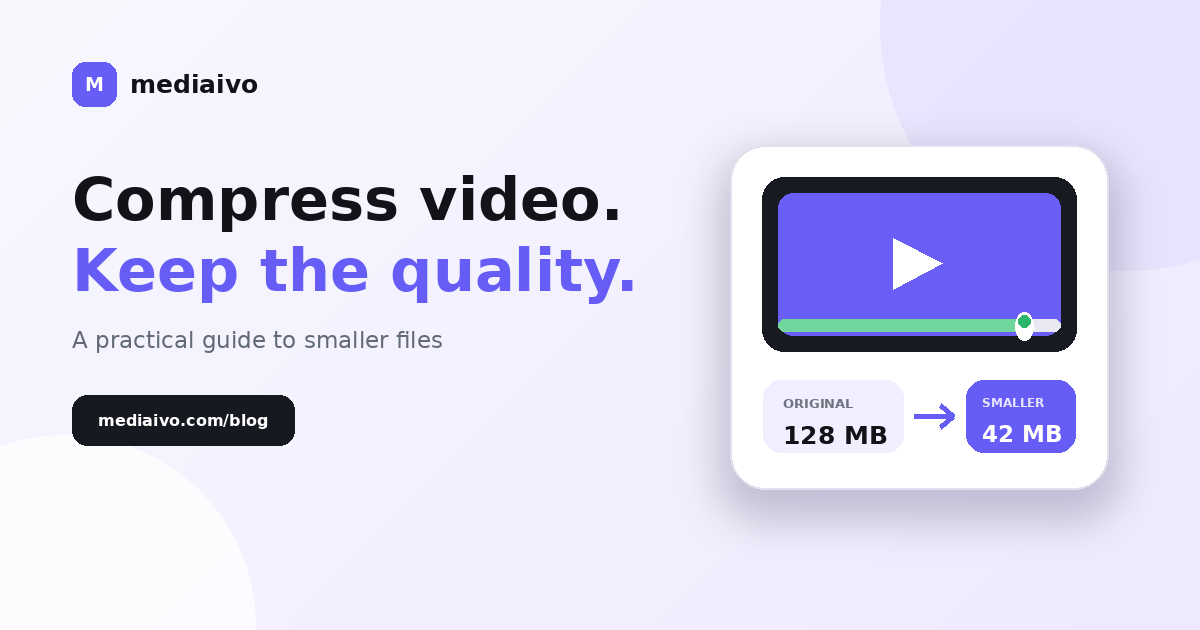
How to Compress a Video Without Losing Too Much Quality
A practical guide to reducing video file size while keeping faces, text, motion and colour looking clean.
Read guideCompress, convert, resize and refine your media with a clean toolkit built for everyday creator work.
Start with a file, choose what you want to change, and download the result.
22 tools available
Reduce video file size while keeping good visual quality.
Convert videos to MP4, WebM or MOV.
Cut a video to the exact section you need.
Change video dimensions for social media or the web.
Crop a precise area from a video.
Rotate a video 90°, 180° or 270°.
Remove the audio track from a video.
Make a video slower or faster.
Turn a short video clip into a shareable GIF.
Export audio from your video as MP3, M4A or WAV.
Convert audio to MP3, WAV, M4A or OGG.
Cut an audio file to a selected section.
Increase or reduce an audio file’s volume.
Reduce image size for websites, shops and social posts.
Fit an image to exact canvas dimensions with white padding.
Convert images between JPG, PNG and WebP.
Crop an image using exact width, height and offsets.
Strip supported metadata from a sharing copy and verify the result.
Convert subtitle files between SRT and WebVTT.
Inspect technical metadata from a media file.
Calculate matching dimensions while preserving aspect ratio.
Estimate video file size from bitrate and duration.
No tools match. Try “video”, “audio”, “image” or reset the filters.
Mediaivo focuses on the jobs creators repeat every day. No bloated editor, no confusing timeline, no software install.
Practical guides explain the settings, trade-offs and checks behind common media jobs.
A practical guide to reducing video file size while keeping faces, text, motion and colour looking clean.
Read guide
Choose the right video format for sharing, websites or editing, then convert it without unnecessary quality loss.
Read guide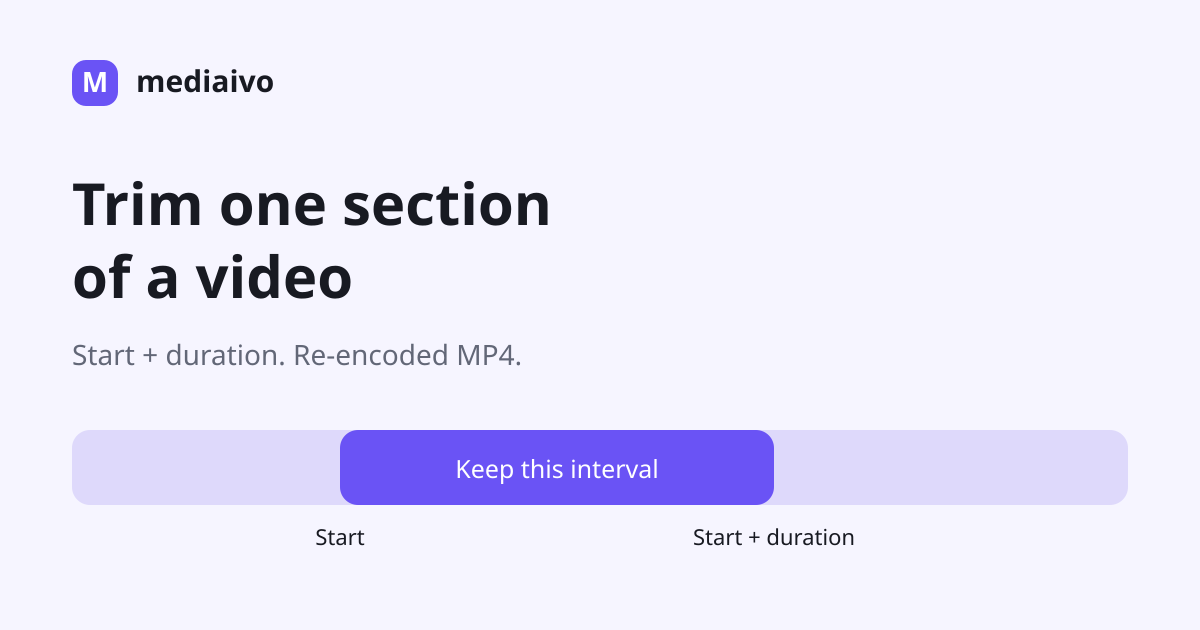
Keep one continuous section using start and duration, then check the re-encoded MP4 at both cut boundaries.
Read guideYes. Core tools remain available without an account. Pro adds higher limits and workflow features.
No. Processing files are temporary and are deleted from the processing server after the response finishes. Signed-in history contains filenames and job details only.
Use Mediaivo for media you own or have permission to process. Supported inputs vary by tool and by the codecs available in FFmpeg.